
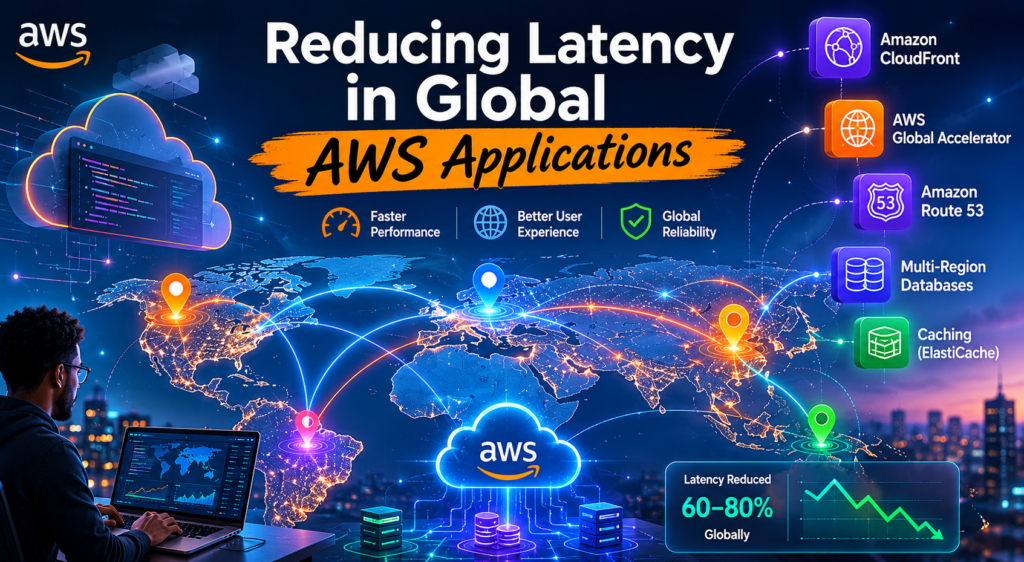
Speed matters.
When someone opens an application, they do not think about DNS, routing, TLS handshakes, databases, or edge locations. They simply expect the application to load quickly and respond immediately.
But behind that simple expectation, there is a lot happening.
In AWS, building a global application is not just about deploying resources in the cloud. It is about making sure users in different parts of the world can access the application with the lowest possible delay.
A user in London, Luanda, New York, or Sydney should not feel like the application is sitting on the other side of the planet.
That is where latency optimization becomes important.
What Causes Latency?
Latency usually comes from several small delays added together.
It can come from:
- The physical distance between the user and the application
- Slow DNS resolution
- Network routing across the public internet
- TLS negotiation
- Backend processing time
- Database queries
- Poor caching strategy
Sometimes the application code is fast, but the user experience is still slow because traffic is travelling too far or taking an inefficient network path.
This is one of the main reasons global AWS architectures need to be designed carefully.
The Common Starting Point: A Single Region
Most applications start in one AWS Region.
For example, everything may be deployed in us-east-1:
- Frontend
- APIs
- Database
- Storage
- Load balancer
For local users, this works well.
But when the same application starts serving users from Europe, Africa, Asia, or South America, performance problems begin to appear.
Users may experience:
- Slow page loading
- Delayed API responses
- Poor video or media performance
- Longer checkout flows
- More timeouts during busy periods
The problem is not always the application itself.
Sometimes the problem is distance.
And distance creates latency.
Using Amazon CloudFront
One of the first services I would normally consider is Amazon CloudFront.
CloudFront allows content to be served from AWS edge locations closer to the user instead of always going back to the origin.
This is especially useful for static content such as:
- Images
- CSS files
- JavaScript files
- Videos
- Documents
For example, if an application is hosted in North America but a user is accessing it from Europe, CloudFront can serve cached content from an edge location closer to that user.
This reduces the number of long-distance requests to the origin.
CloudFront also helps with:
- Edge caching
- TLS termination closer to users
- HTTP/2 and HTTP/3 support
- Persistent connections to the origin
- Better global content delivery
For many applications, adding CloudFront is one of the easiest and most effective ways to improve performance.
Using AWS Global Accelerator
CloudFront is great for caching and content delivery.
But not every workload can be cached.
For APIs, gaming platforms, real-time systems, or TCP/UDP applications, AWS Global Accelerator can be a better fit.
Global Accelerator does not cache content.
Instead, it improves how traffic reaches your application.
Normally, user traffic may travel across several public internet providers before reaching AWS. That path can be unpredictable and may introduce packet loss, jitter, or congestion.
With Global Accelerator, users connect to the nearest AWS edge location. From there, traffic enters the AWS global network and travels across the AWS backbone to reach the application.
This can improve:
- API responsiveness
- Connection stability
- Failover between regions
- Real-time application performance
- TCP and UDP workloads
This is especially useful when the application needs consistent network performance, not just faster static content delivery.
Using Route 53 Latency-Based Routing
DNS also plays an important role in latency.
With Amazon Route 53 latency-based routing, users can be directed to the AWS Region that provides the lowest latency for them.
For example:
- Users in Europe can be routed to
eu-west-1 - Users in North America can be routed to
us-east-1 - Users in Asia can be routed to
ap-southeast-1
This becomes very useful when the application is deployed in multiple regions.
Instead of sending all users to the same backend, Route 53 helps direct them to the closest or fastest regional endpoint.
Example 1: Global E-Commerce Application
Imagine an e-commerce platform hosted only in us-east-1.
At first, everything works fine. Most users are close to the region, and the website loads quickly.
But as the business grows, customers start accessing the platform from Europe, Africa, and Asia.
Suddenly, users begin reporting that:
- Product images load slowly
- The checkout page takes too long
- Product searches feel delayed
- The shopping cart is sometimes slow to update
In this case, the latency problem comes from several areas.
Static assets are travelling too far. API requests are crossing continents. Product catalogue queries are hitting a database in only one region.
A better architecture could include:
- CloudFront for product images and static assets
- Global Accelerator for APIs
- Route 53 latency-based routing for regional endpoints
- ElastiCache for frequently accessed product data
- Aurora Global Database or read replicas for faster regional reads
With this approach, users get content from locations closer to them, API traffic follows a better network path, and database reads can be served with lower latency.
The result is a faster and smoother shopping experience.
And for e-commerce, this matters a lot because slow pages can directly affect conversions.
Example 2: Real-Time Gaming Application
Now imagine a multiplayer gaming backend deployed in a single AWS Region.
Players from different parts of the world connect to the same backend.
For some users, the game feels smooth. For others, it feels delayed.
They may experience:
- Lag
- Delayed movement
- Match synchronization issues
- Unstable connections
- Poor response during gameplay
In gaming, even small delays can be noticeable.
This is where AWS Global Accelerator becomes very useful.
A better architecture could include:
- Game servers deployed in multiple AWS Regions
- Global Accelerator to route player traffic through the AWS backbone
- Route 53 latency-based routing for regional service discovery
- Regional caching for matchmaking and session data
- CloudWatch metrics to monitor latency, errors, and traffic patterns
With this design, players can connect to the closest available region, while Global Accelerator helps provide a more stable network path.
The goal is not only to reduce latency, but also to reduce jitter and packet loss.
For real-time applications, consistency is just as important as speed.
Database Latency Is Often Forgotten
One common mistake is optimizing the frontend and network layer but leaving the database centralized in one region.
This can still create latency.
For example, an application may have CloudFront, regional APIs, and fast routing, but every database request still goes back to one region.
That becomes a bottleneck.
Depending on the use case, AWS provides several options:
- Aurora Global Database
- DynamoDB Global Tables
- RDS read replicas
- ElastiCache
- Application-level caching
The right choice depends on the application.
For read-heavy workloads, read replicas or global databases can help. For frequently accessed data, caching may be enough. For globally distributed NoSQL workloads, DynamoDB Global Tables may be a better fit.
Observability Comes First
Before optimizing latency, we need to measure it.
Otherwise, we are just guessing.
Some useful metrics include:
- Time to First Byte
- Page load time
- API response time
- DNS resolution time
- TLS negotiation time
- Cache hit ratio
- Origin latency
- Database query time
AWS services like CloudWatch, X-Ray, CloudFront metrics, ALB logs, and VPC Flow Logs can help identify where latency is coming from.
Sometimes the bottleneck is the network.
Sometimes it is the database.
Sometimes it is application code.
And sometimes it is simply a missing cache layer.
A Practical Optimization Path
In real projects, I would normally approach latency reduction step by step.
Start simple:
- Measure the current latency
- Add CloudFront for static content
- Improve caching
- Optimize APIs and backend processing
- Use Global Accelerator where network path matters
- Add Route 53 latency-based routing
- Move workloads closer to users
- Optimize the database layer
- Keep monitoring continuously
Not every application needs a complex multi-region architecture.
Sometimes CloudFront and better caching are enough.
Other times, especially for global SaaS platforms, gaming systems, financial applications, or real-time APIs, a multi-region design becomes necessary.
Final Thoughts
Reducing latency in AWS is not about using one magic service.
It is about understanding where the delay is coming from and choosing the right service for that specific problem.
CloudFront helps when content needs to be delivered closer to users.
Global Accelerator helps when traffic needs a better and more stable path into AWS.
Route 53 helps direct users to the best regional endpoint.
Caching helps avoid unnecessary backend calls.
Multi-region architectures help bring compute and data closer to users.
The best architecture is the one that solves the real latency problem without adding unnecessary complexity.
In the end, faster applications are not only better technically.
They feel better to users.
And that is what really matters.
Leave a Reply